
Hands-On Electronics
Build, control, and troubleshoot real physical circuits without frying components. Move from lighting your first LED safely to switching power with transistors and hunting down dead connections with a multimeter.
Like Duolingo, but for Hands-On Electronics. Tomo turns the whole topic into a game you play five minutes a day, until it actually sticks.
A short one: 12 levels across 2 sections, about 24 minutes end to end, roughly 5 days at five minutes a day. It moves through Assembling Safe, Responsive Circuits and Automating and Troubleshooting. It starts from scratch.
Free forever · No credit card · iPhone & Android
Key ideas in Hands-On Electronics
- Electricity requires an unbroken loop from the power source back to ground to flow at all
- Breaking a circuit at any single point halts current everywhere in the loop instantly
- Voltage is the force or push provided by a source like a battery
- Current is the actual rate of electrical flow moving through the components
- Resistance acts as a bottleneck that limits how much current can pass for a given voltage
- LEDs are polarized, meaning they only allow electricity to pass in one direction
- Plugging an LED in backward blocks the flow of current, so it will not light up
- An LED has almost no internal resistance once it turns on
- Without a resistor to restrict flow, excessive current surges through the LED and destroys it from heat
- A current-limiting resistor absorbs the excess voltage to keep current at a safe level
- A short circuit creates an unintended path with practically zero resistance back to the source
- Near-zero resistance causes current to spike dangerously high, bypassing intended components
- High current generates rapid, dangerous heat in the wires and battery and quickly drains power
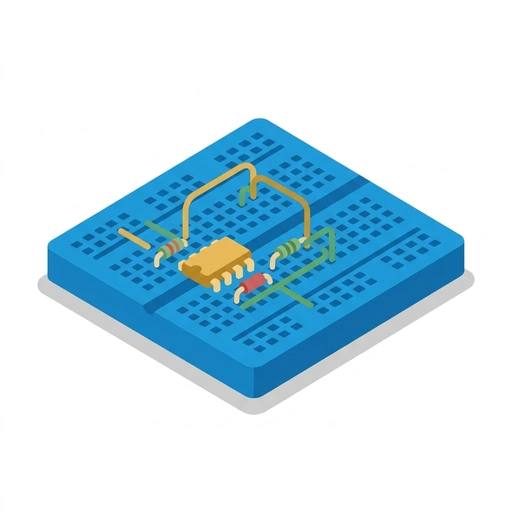
- Hidden spring clips connect the five tie points horizontally along each numbered half-row
- The plastic trough down the middle electrically separates the left and right halves of the board
- Plugging two leads into holes sharing the same spring clip connects them electrically
You've tried the other tabs
Thirty open tabs. Four facts you actually kept.
You watched. You nodded. By Sunday it was gone.
One answer, then back to scrolling.
Eight weeks. You meant to finish. You didn't.
Tomo gives Hands-On Electronics the Duolingo treatment: levels, streaks, and quick quizzes that test what you just learned. That game loop is what the tabs above never had, so it's the one you actually finish.
Here's what playing it feels like
A real question from this course. Take your best guess.
You open a switch to turn off a small circuit. What happens to the electricity moving through it?
Get it right to open this lesson and 11 more in the app.
Where Hands-On Electronics takes you
- 1
Assembling Safe, Responsive Circuits
- Lighting Your First LED Safely
- Breadboarding and Guiding Current
- 2
Automating and Troubleshooting
- Switching with Transistors and Storing Charge
- Tracking Down Circuit Bugs
2 sections · 4 units · 12 levels. Built to play, not to enroll.
Tomo is in ChatGPT
Tomo is also a ChatGPT plugin: the same playable courses, built and played inside your chat.
Add Tomo to ChatGPT- What to ask
- “Make me a Tomo course on black holes.” “Turn this chat into a Tomo course.”
- What you get
- Quick questions with instant feedback, hearts and stars, ready to play in about a minute.
- Where it goes
- No sign-up to start. Connect your Tomo account and your streak carries on in the app.
You pick the voice
Hands-On Electronics is taught in the Professor style: clear, structured, thorough. Want a different feel? In the app you can spin up the same topic in any of Tomo's teaching styles. Same facts, totally different vibe.
More Technology on Tomo
Hands-On Electronics
Demystify how everyday gadgets work by building and understanding circuits from the ground up. Learn to direct electrical currents, wire components safely, and read circuit behaviors.
How Circuits Work
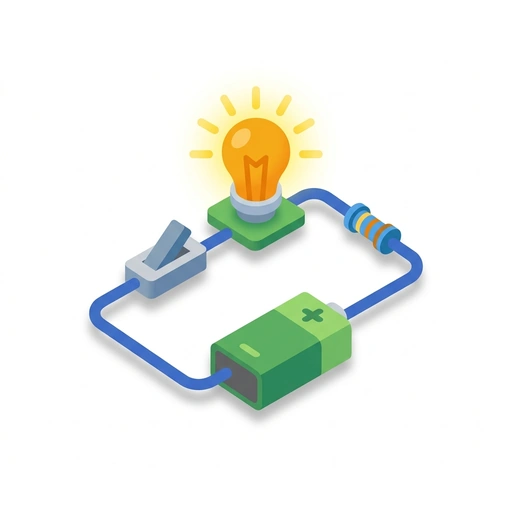
Understand the unseen flow of electricity by building real, working circuits. Learn to light components, route power on a breadboard, and automate behavior with switches and transistors.
How Electronics Work
Learn how electricity moves through circuits, powers components, and responds to controls. Build real intuition for voltage, resistance, and transistors through practical circuit design. Go from a bare battery to building responsive, sensor-driven hardware.
Everyday Electronics in Action
Discover how everyday gadgets really work by tracing the path of electricity through loops, resistors, capacitors, and switches. Build a practical mental model of basic circuits using real-world examples.
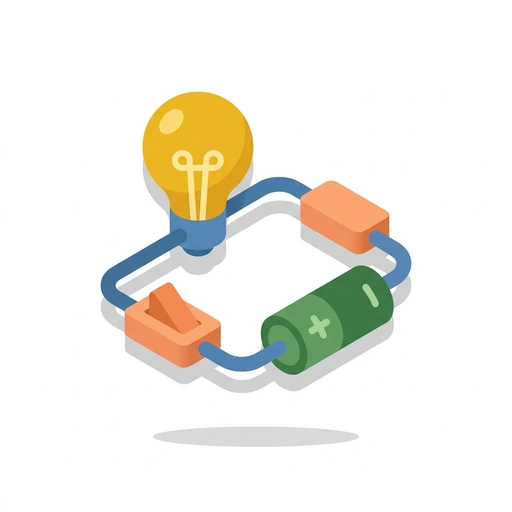
How Electric Circuits Work
Learn how electricity moves through everyday devices and gain the confidence to build your own circuits. From breadboarding components to debugging with a multimeter, discover the practical rules that bring hardware to life.
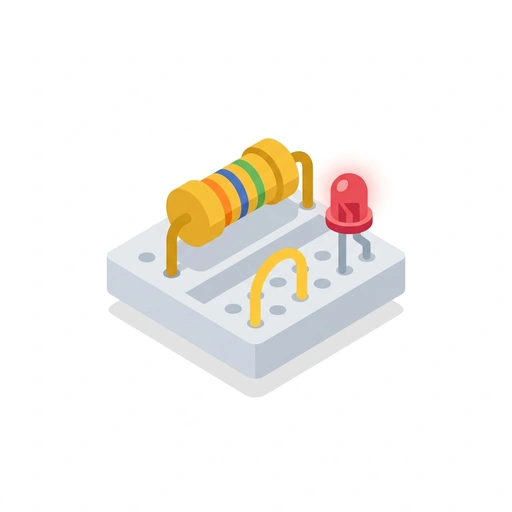
Mastering the Flow: Practical Electronics
Move beyond simple batteries and bulbs to design circuits that solve real problems. Master the math of power, troubleshoot like a pro, and understand how modern gadgets actually think.
Start Hands-On Electronics today.
Download Tomo, search Hands-On Electronics, and play your first lesson in under a minute.